
Doors open
in five.
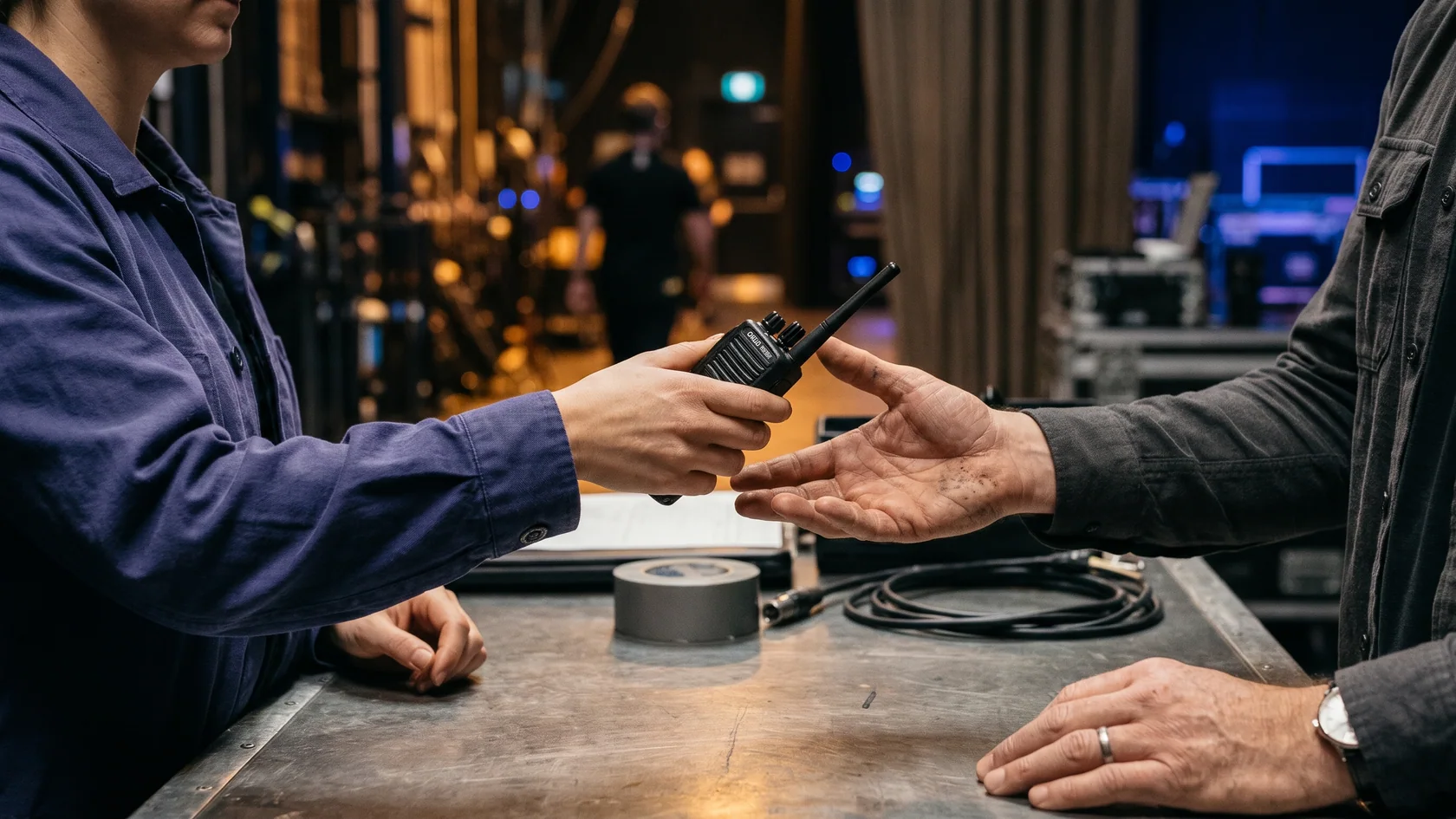
The crew is arriving. The radios are going out. Ingress brings sign-on, credentials and equipment together before a worker takes their post.
Two sides of one shift.
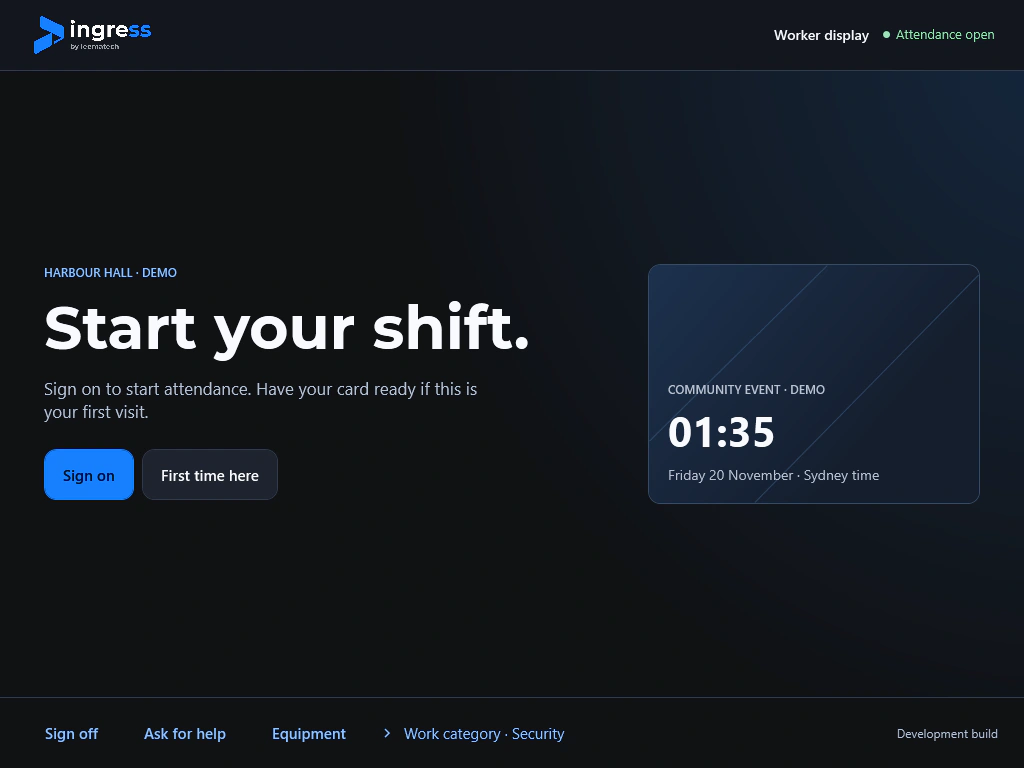
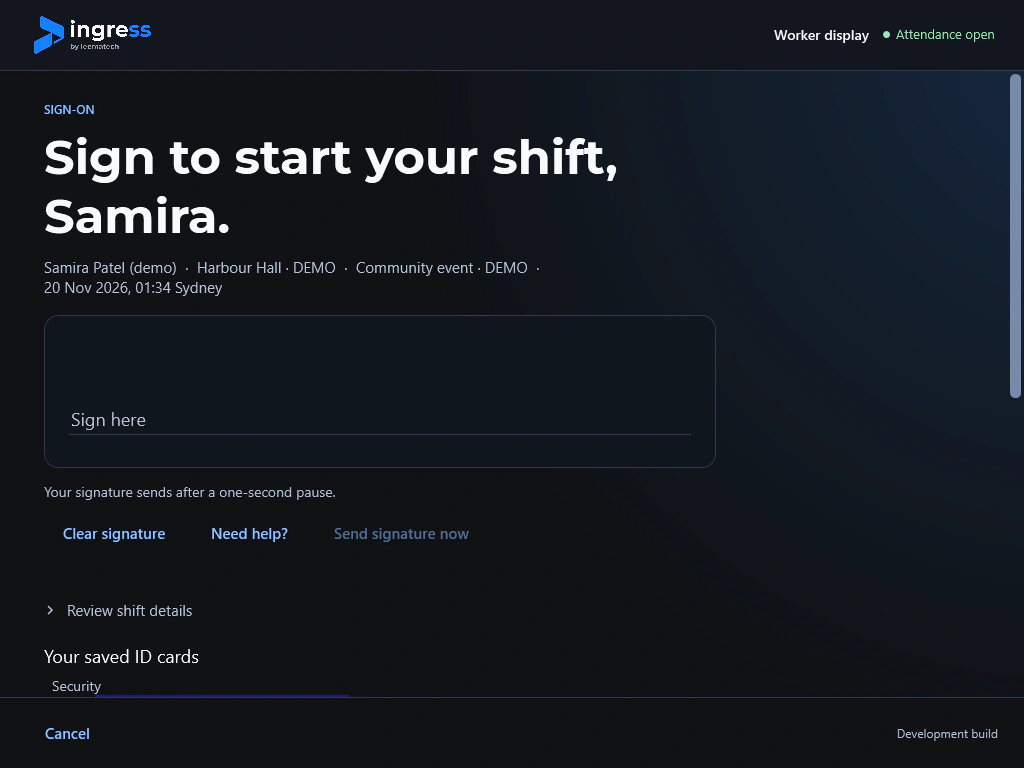
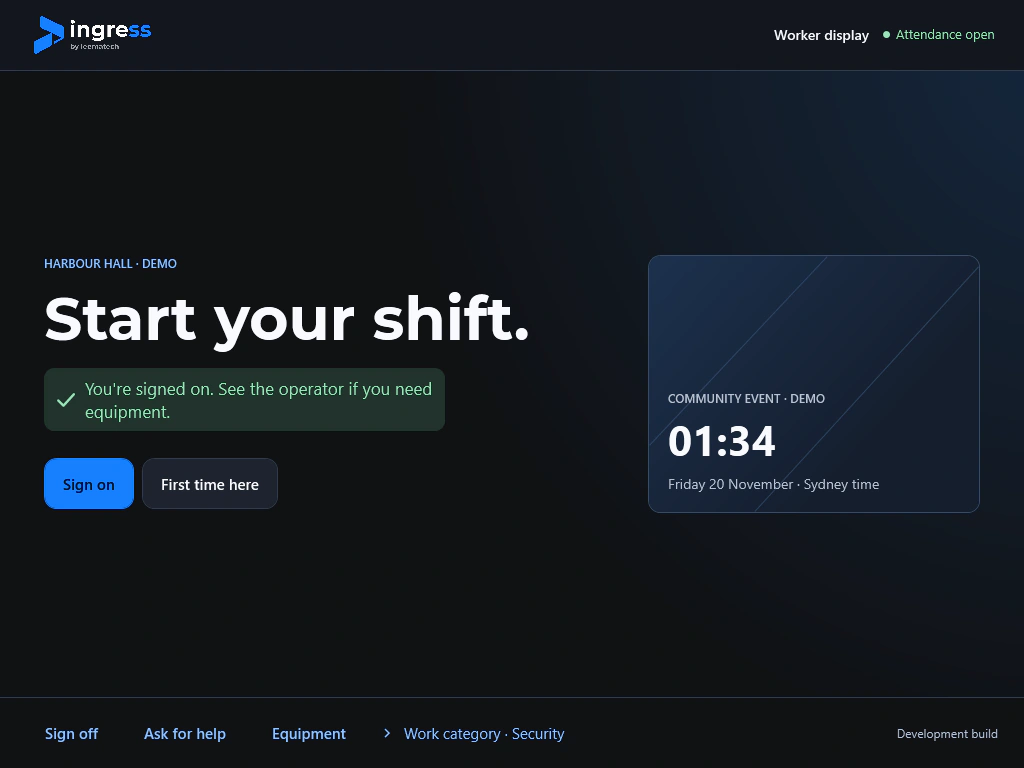
At the front screen, a worker signs on. Across the desk, the operator reviews the check and records the handover. The same shift ties it all together.
One person.
One sign-on.
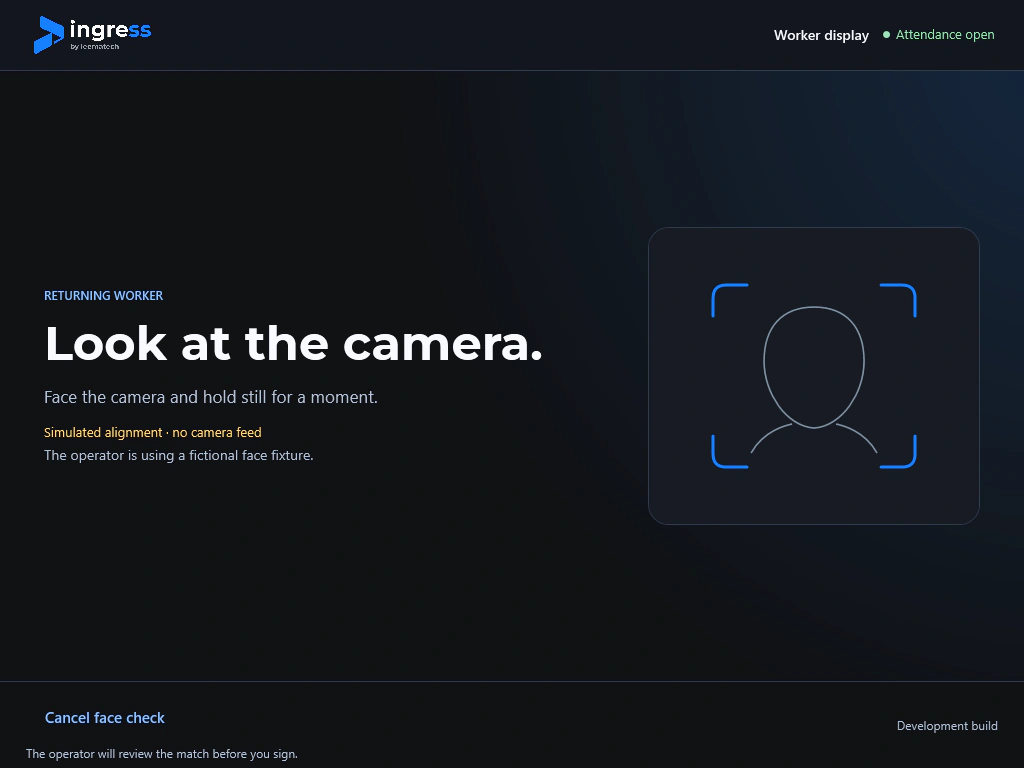
A returning worker opts in, checks their details and signs. Try the beta workflow with a fictional record.
Start your shift
Tap Sign on to look up the fictional worker. Your camera stays off.
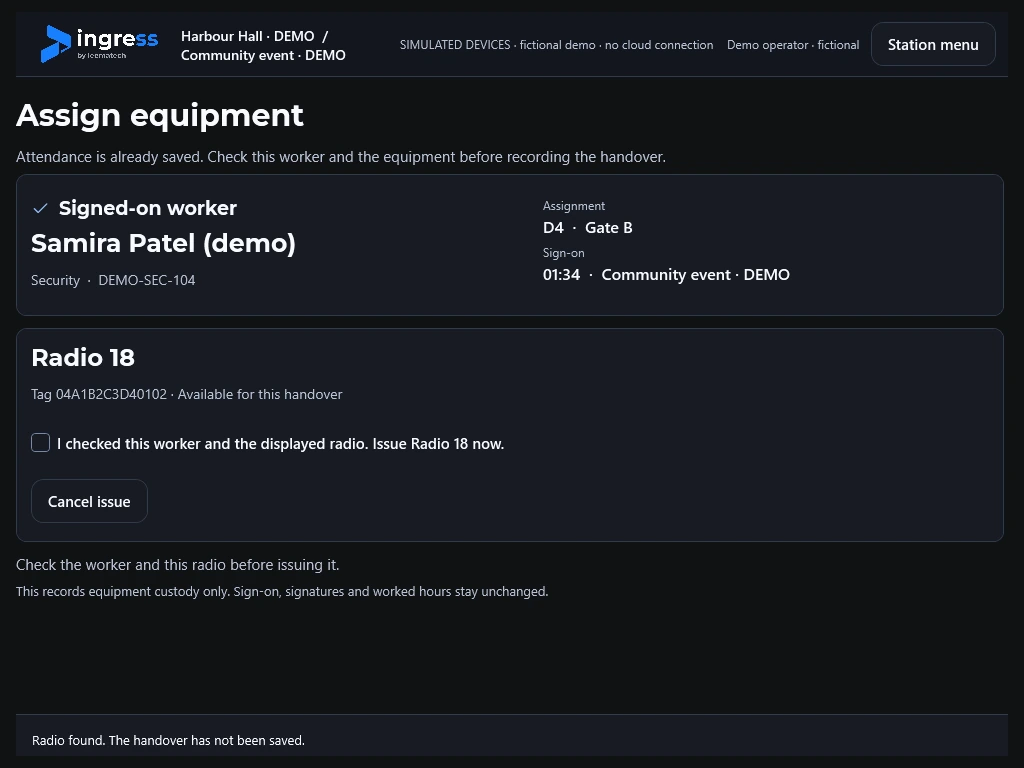
Know who has the radio.
A tap identifies the item. The operator confirms who takes it, then records its return when the shift ends.
- Credential scanner
- Capture both sides of a credential for review.
- Recognition reader
- Suggest an enrolled identity for the operator to confirm, with the worker’s consent.
- NFC reader
- Identify the tagged item before the operator records its issue or return.
Inside the workstation.
Select a component to see where it sits and what it does during a shift.